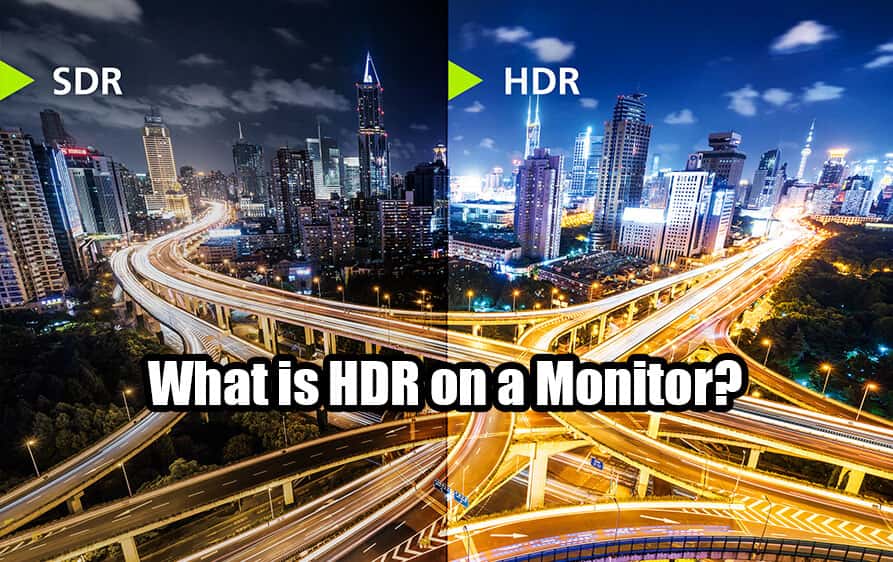
High Dynamic Range has become increasingly popular as display technology advances. Whether you’re searching for enhanced visuals in gaming, professional color accuracy for creative work, or simply better image quality for everyday use, understanding what HDR actually delivers is crucial.
Are you a gamer seeking immersive experiences? A professional user working with video or photo editing? Or a home user wanting superior picture quality? This guide covers everything you need to know about HDR monitors and whether investing in one makes sense for your specific needs.
What Does High Dynamic Range Do?
Owning a high-resolution display with excellent specifications doesn’t automatically guarantee that your content will look its best. A monitor boasting high brightness, wide color gamut, and excellent contrast ratio still requires proper implementation to unlock its full potential.
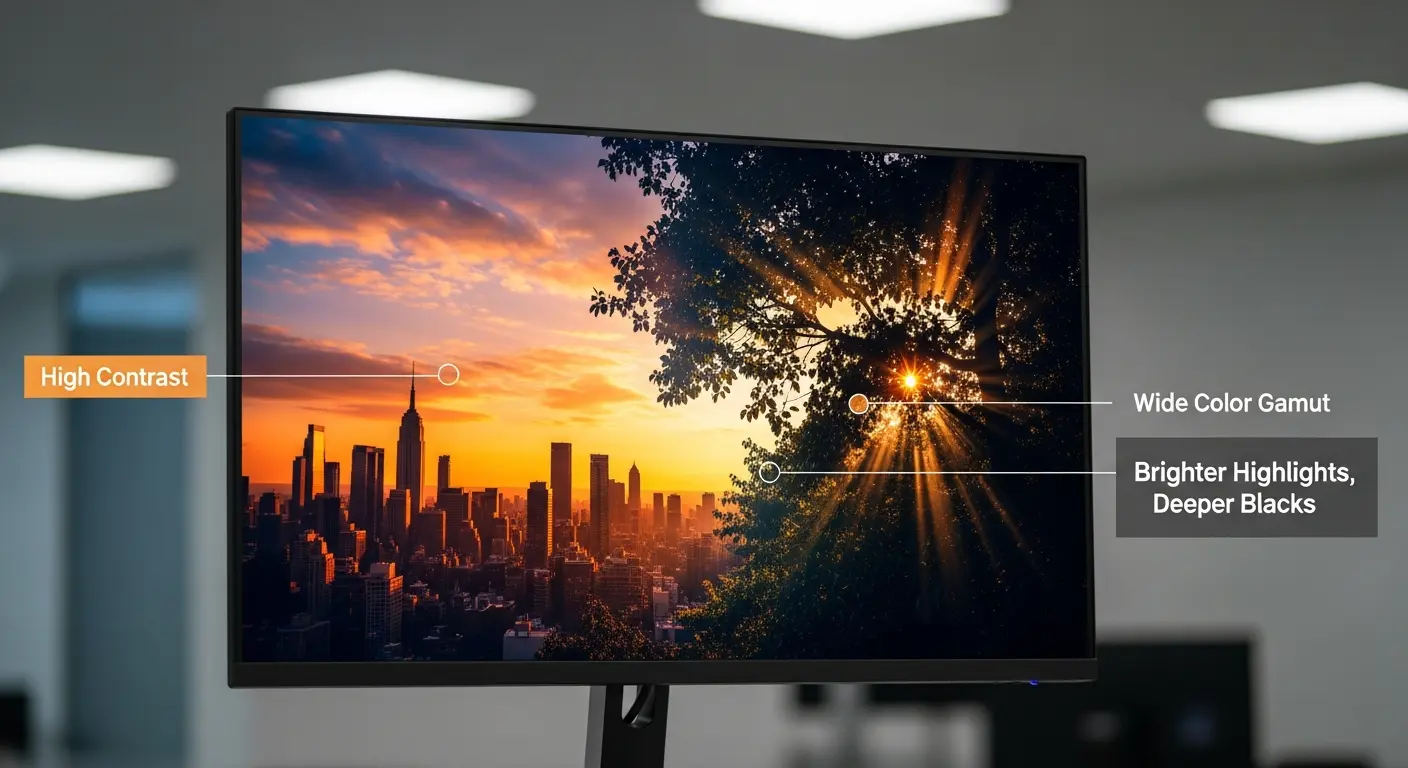
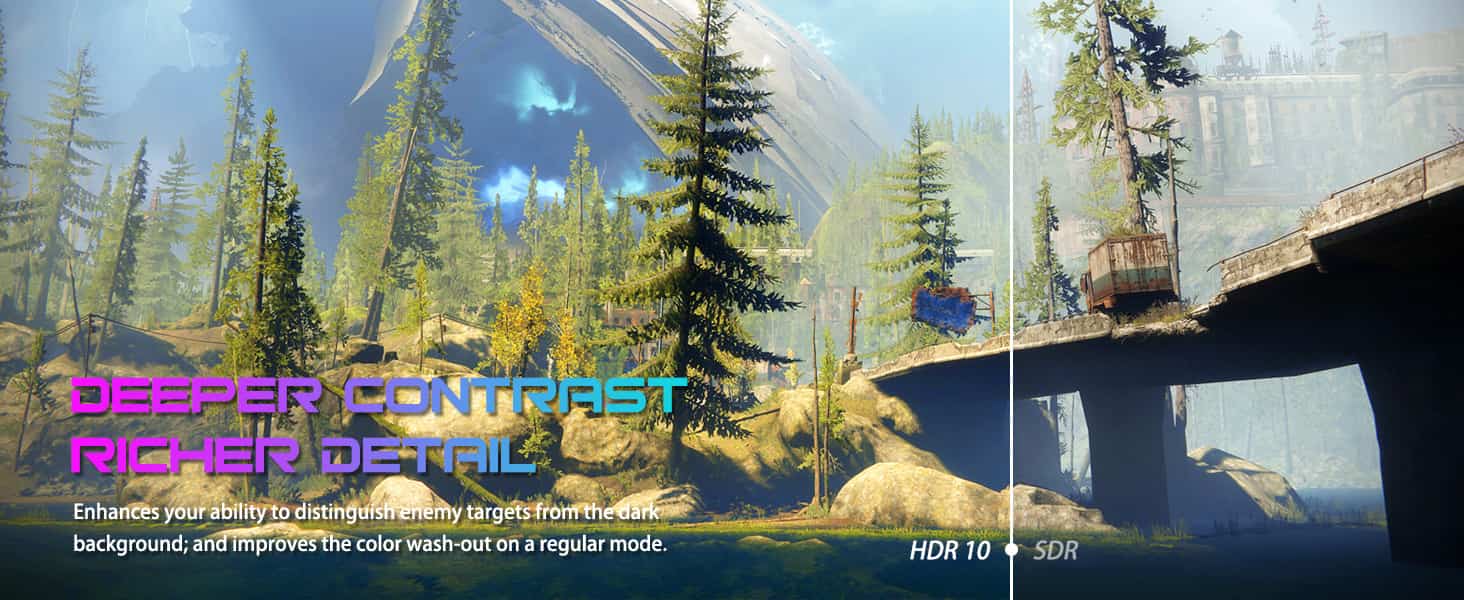
High Dynamic Range technology ensures correct reproduction of colors, brightness levels, and gamma through metadata implementation. The display recognizes this signal and renders the image as the content creator originally intended it to appear.
The distinction between standard high-resolution output and genuine HDR capability is significant. Resolution determines detail and sharpness, while HDR extends color range, contrast capabilities, and brightness performance of compatible material.
What makes HDR truly valuable is its ability to produce deep blacks alongside bright highlights at the same time. This creates picture quality that appears incredibly lifelike. Imagine content that genuinely pops off the screen with realistic depth.
For those working from home or enjoying immersive gaming, the difference is remarkable. Whether streaming movies, playing intensive games, or preparing presentations for work, HDR transforms the viewing experience into something far more engaging and comfortable.
Display technology capable of producing high dynamic range utilizes wider color spaces. DCI-P3 represents a broader standard compared to regular sRGB, which explains its surge in popularity among gamers and creative professionals alike.
Testing standards for DisplayHDR have become more rigorous, evaluating brightness performance, color accuracy, black crush, subtle flicker, and various test patterns. These certifications aim to standardize what users should expect from their purchases.
Proper HDR Support – What Hardware Do You Need?
Delivering a genuine HDR viewing experience requires specific hardware. Either an OLED panel or an LED-lit LCD equipped with full-array local dimming (FALD) is necessary for proper implementation.

Many displays accept the HDR10 signal yet lack appropriate hardware to render good image quality. These products are commonly called “fake” HDR monitors. Simply finding “HDR support” listed in specifications proves insufficient.
Available panel options include OLED versions (Organic Light Emitting Diodes) providing deep blacks, IPS panels, LCD technology, and LED backlights with local dimming capabilities. Gaming monitors, professional displays, and home user screens all come in these various configurations.
Panel type determines picture quality significantly. Different LCD technologies influence core display aspects: contrast ratio capabilities, black level depth, viewing angle performance, color reproduction accuracy, and response time speed.
Several LED screens use a backlight control method to address weak contrast and grayish black performance. This technology controls darkness in specific zones while keeping other areas at appropriate brightness levels.
Displays using edge-positioned backlight zones can enhance certain content where shadows and highlights stay separated spatially. However, this approach frequently creates visual problems across various content types, making it a poor choice when HDR quality is your priority.
Screens with zone-based backlight arrays still show halo effects around bright objects in challenging content like fireworks or night sky stars, though most viewers accept this since it appears only in particular scenarios.
Premium LCD screens with well-designed backlight control deliver excellent results, but inferior execution causes problems like unwanted glow and blooming around bright elements. Best performance comes from displays using complete backlight arrays with many independent zones instead of edge-positioned solutions.
IPS technology provides the most consistent colors and widest viewing angles available, while VA panels deliver the highest contrast ratios for deeper blacks.
OLED Is The Best Option For Amazing Visuals
Organic Light Emitting Diode panels work fundamentally differently because each individual pixel creates its own illumination using organic compounds that emit light when electric current flows through them. This eliminates any need for a separate backlight layer.
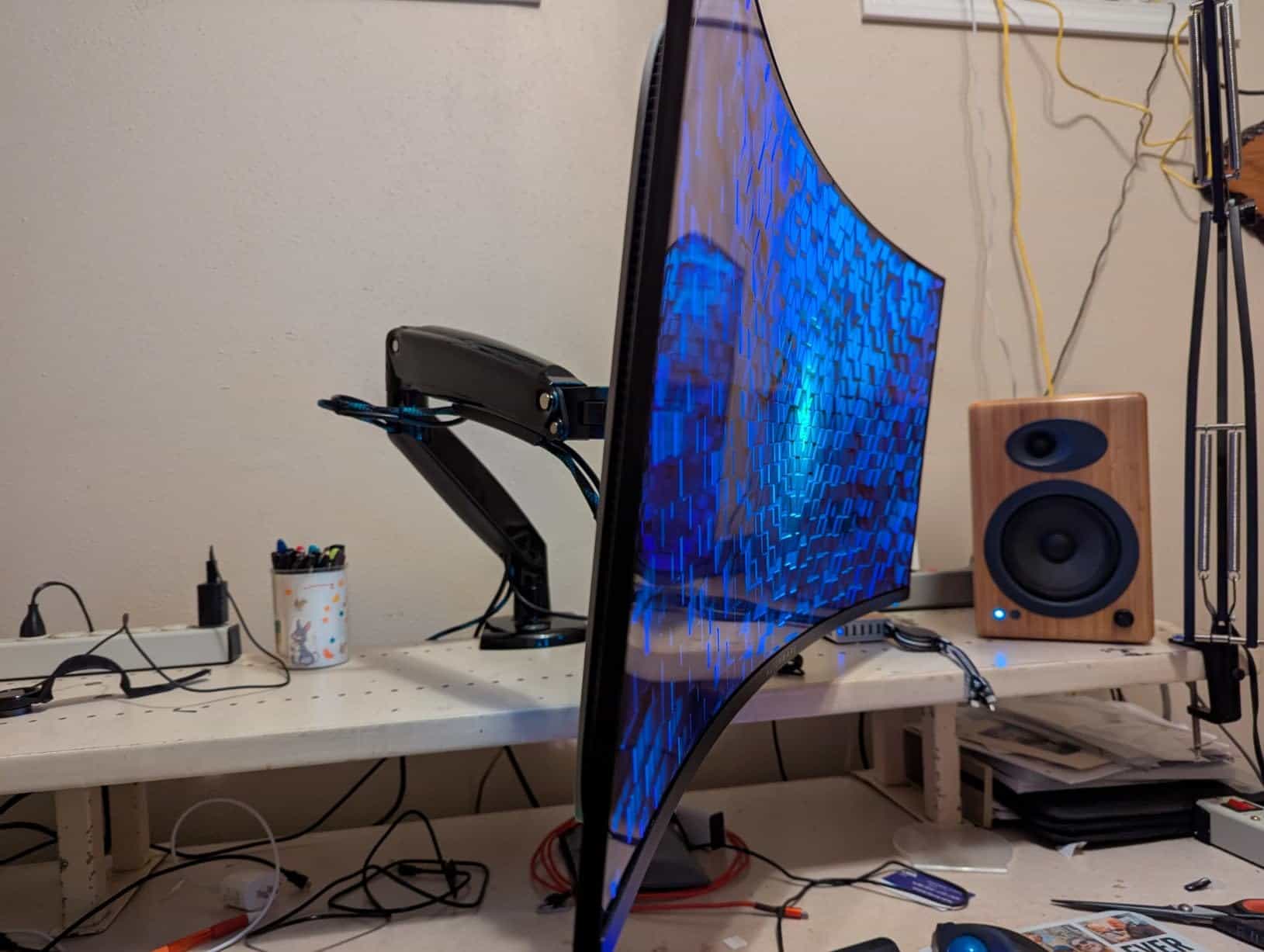
Since every pixel controls its own light output independently and can turn completely off, these displays achieve true black levels and exceptionally high contrast measurements. OLED technology delivers superior visual performance with authentic darkness, saturated colors, and extraordinary contrast capabilities.
These panels completely avoid the backlight-related visual problems found in zone-dimmed LCD screens, including light leakage, halo artifacts, and uneven brightness distribution. Outstanding color space coverage combined with exceptional contrast creates stunning image quality automatically.
The picture maintains consistent appearance from wide off-center positions without color accuracy degradation or contrast reduction. Movies, graphically intensive games, and professional creative applications all benefit significantly, with fine details rendered beautifully.
Potential concerns include permanent image retention risks, reduced maximum brightness compared to certain LCD alternatives, and non-standard subpixel arrangements. Earlier OLED technology experienced slow response, severe burn-in problems, and high costs, but recent models have largely solved these issues.
Current OLED screens incorporate protective features including automated screen savers, logo brightness reduction, and pixel maintenance cycles to prevent image retention and burn-in. Specialized gaming modes deliver quick response with low input delay.
Multiple panel variants exist: LG produces W-OLED and W-OLED with MLA+ (Micro Lens Array), while Samsung manufactures QD-OLED, each version offering unique properties regarding surface treatments, brightness output, and color reproduction range.
QLED screens marketed primarily by Samsung apply quantum dot technology to enhance visual output. Despite the naming similarity, these remain LED-backlit LCD displays with an added quantum-dot film layer rather than true OLED technology.
Samsung’s QD-OLED technology combines self-emissive pixel benefits with quantum dot enhancements, providing increased peak brightness, expanded color volume, and better resistance to permanent image retention.
Brightness performance varies substantially between different models, yet VESA DisplayHDR labels don’t reveal these important differences. Two screens might carry identical certifications while one reaches 1,000-nits in concentrated highlight measurements and another maxes out around 520-nits.
One clearly delivers superior immersion with more dramatic highlight punch despite sharing the same official rating. This shows certification labels alone provide incomplete information.
VESA Certifications Are Often Misleading
VESA created DisplayHDR certifications aiming to separate inadequate monitors from those offering genuine capability, however these labels frequently confuse consumers rather than clarify options. Relying solely on certification ratings isn’t recommended.
Recent DisplayHDR standards demand stricter compliance compared to earlier versions. Previous standards like displayhdr 400, displayhdr 600, and basic VESA Display HDR used global backlight adjustments improving dynamic contrast with peak output around 400 cd/m2.
Entry-level DisplayHDR 400 certified screens must now achieve 10-bit color depth, wide color gamut capability (minimum 90% DCI-P3), and static contrast measurements of at least 1,300:1.
This marks progress over older HDR-400 specifications (8-bit color, 95% sRGB coverage, no contrast requirements), however zone-based backlight control remains optional, despite being essential for quality LED-backlit screen performance.
Premium tiers now mandate minimum DCI-P3 color space coverage of 95% instead of 90%. Middle-tier categories demand static contrast measurements of at least 7,000:1 and 8,000:1 respectively.
Highest certifications require complete backlight zone arrays to achieve specified minimum contrast measurements of 30,000:1 and 50,000:1 respectively.
Going forward, manufacturers advertising certified products must indicate which version of the standard their displays meet, separating them from older certified models. Some currently sold displays don’t satisfy updated requirements.
Instead of trusting certification labels alone, consulting detailed buyer’s guides for thoroughly tested recommendations and comprehensive information proves more helpful. Proper assessment requires reviewing individual product evaluations after determining your preferred resolution and screen size.
The Main HDR Standards For Recording And Playing HDR Video
Primary standards for content creation and playback include HLG, HDR 10, HDR 10+, and Dolby Vision. HLG represents the format typically used in cable and broadcast television transmission.
HLG works for both video and still image content, offering compatibility with older SDR (Standard Dynamic Range) UHD screens. This backward compatibility makes it suitable for broadcast applications where audiences use varied display equipment.
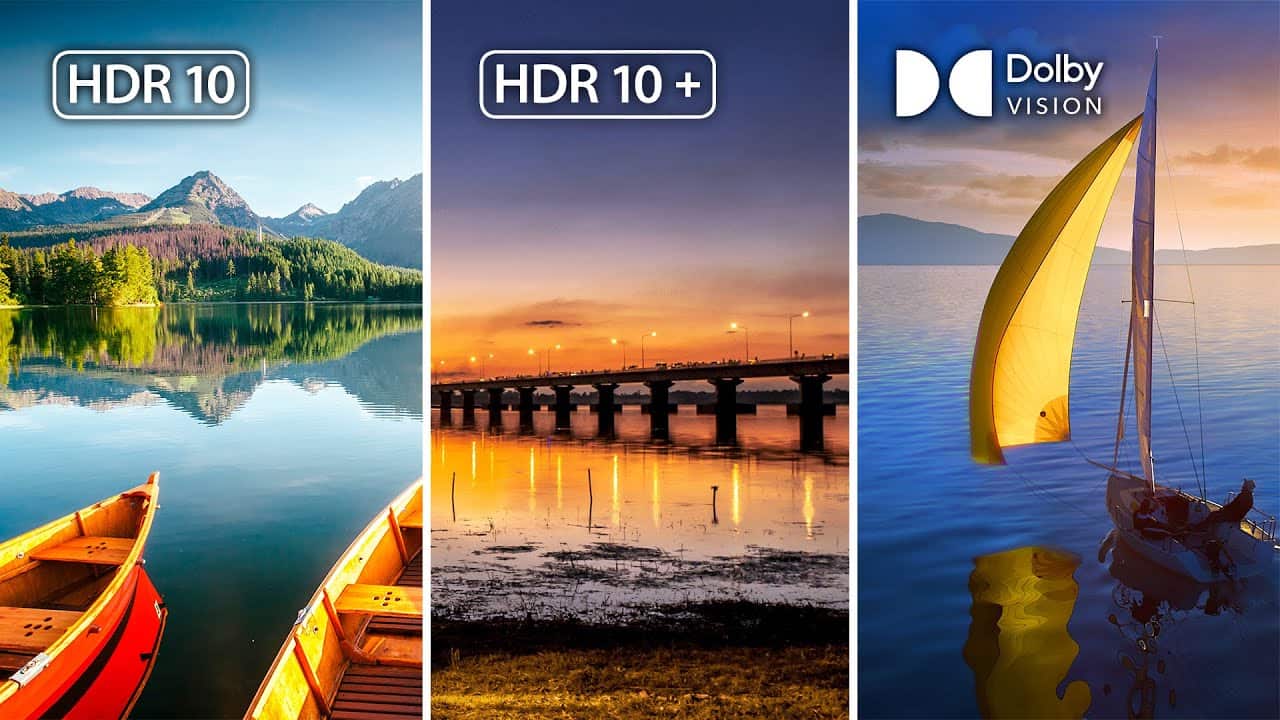
HDR 10 represents the most widespread format and lacks backward compatibility with SDR equipment. With theoretical maximum brightness of 10,000 nits, actual content typically targets brightness between 1,000 and 4,000 nits.
HDR10 uses static metadata exclusively. When displays have lower color volume than content specifications (such as reduced peak brightness capability), this metadata helps screens adapt the presentation appropriately. Metadata stays constant throughout each piece of content.
HDR 10+ matches HDR10’s basic approach but incorporates dynamic metadata that adjusts throughout playback. This enhancement avoids the licensing costs associated with competing Dolby Vision.
Dolby Vision provides superior visual quality with exceptional contrast performance, offering content creators expanded creative control for movies, television programs, and games. DTX, a major Dolby competitor, developed DTS:X as an alternative premium format. However, Dolby Vision appears in significantly more available content than DTS alternatives.
Benefits of an HDR Monitor For Gamers And Professional Users
Gaming-focused monitors work excellently for professional applications too. HDR Gaming Monitors feature outstanding specifications suitable for demanding work tasks and casual home applications equally well. These displays deliver optimal shadow detail and highlight brightness producing exceptionally realistic visual output.
Connection options represent another key advantage. Modern displays typically include HDMI 2.0 interfaces enabling faster communication and improved visual fidelity from source devices. USB connectivity including USB-C ports frequently offers power delivery reaching 65W capacity.
Wall mounting capability using VESA-standard brackets comes with many models. Check your specific monitor’s documentation for exact VESA bracket sizing and compatible mounting hardware. Wall installation has grown popular as users increasingly prefer mounted configurations over desk stands.
Correct operation with connected equipment – including PCs, smartphones, and set-top boxes – demands capable graphics processing. Primary GPU manufacturers include Nvidia, AMD, and Intel.
Between minimal delay, excellent brightness output with high nit measurements, rapid refresh capabilities maintaining fluid blur-free motion, authentic shadow rendering, and strong contrast performance, these displays excel comprehensively. Even demanding fast-action games like sports simulations show remarkable improvement with noticeably enhanced overall quality.
Increased screen refresh frequency produces smoother, more natural motion rendering. More frequent image updates substantially decrease motion blur, improving both video playback and interactive gaming quality. Essential for gaming platforms like Xbox.
Best Options To Consider
Explore mini LED monitor resources where you can sort by backlight zone quantity, maximum brightness output, and additional technical specifications. Numerous monitor options deliver quality HDR experiences.
For top OLED performance, consulting comprehensive buyer’s guides or detailed product reviews proves most helpful. Typically, OLED and QD-OLED screens excel in darkened viewing environments due to unlimited contrast capability, while mini LED LCD displays suit brighter spaces thanks to exceptional peak brightness output.
Positive news: substantial HDR content now exists alongside numerous quality and affordably priced monitor options. Significantly, costs have decreased considerably, and despite remaining somewhat expensive, these investments deliver worthwhile value.
In Conclusion
Given technological progress in personal computers, gaming platforms, mobile devices, and related equipment, maintaining display capability matching high-quality content proves essential. Contemporary OLED and LED-backlit LCD screens provide elevated resolution paired with High Dynamic Range technology, expanding color reproduction, contrast capability, and brightness performance for compatible material.
Your selection ultimately involves choosing between OLED versus mini LED LCD technologies. For those seeking to experience this advancement, quality zone-dimmed or OLED displays represent worthwhile purchases. Selecting the ideal monitor depends entirely on individual preferences, requirements, and intended applications.
Whether selecting affordable options, high-contrast VA technology, or premium OLED solutions, each approach offers distinct advantages. Choose equipment matching your specific situation for long-term satisfaction.
FAQ
Does HDR affect gaming performance (FPS)?
Can all monitors use HDR?
Is HDR good for photo and video editing?
Does HDR require a special GPU or cable?
Why does my desktop look washed out when HDR is on?
What's the difference between OLED and LCD for HDR?
References & Further Reading
- Samsung: What is HDR TV? – A great consumer-friendly explainer on the core concepts.
- Wikipedia: High Dynamic Range – The technical foundation of HDR imaging.
- VESA DisplayHDR – The official site for the certification, with detailed performance tiers.
